Running Effective Meetings Without PowerPoint
in PRODUCTIVITY + PERFORMANCE | CORPORATE TRAINING
Quick Summary: Want to run highly engaging team decision-making sessions? The first step is turning off the screen. Slide-free meetings force active participation, prevent meeting fatigue, and get you to the actual work faster. Here are the strategies department heads and team leaders need to run interactive, PowerPoint-free meetings that drive real business results.
Why It’s Time to Ditch the Deck
We have all been there. You walk into a meeting room (or log onto a call), someone loads a 40-slide presentation, and the energy immediately drains from the room. The presenter reads the slides verbatim while the rest of the team checks their emails.
When you rely on slides, your meetings become passive broadcasts rather than active discussions. For team leaders and department heads, this is a massive drain on company time and resources. True collaboration requires eye contact, debate, and active problem-solving. https://pursuit.unimelb.edu.au/articles/how-to-avoid-death-by-powerpoint
Here is exactly how to strip away the slides and run effective, interactive meetings that actually get things done.
1. Require a Pre-Read for All Data
If the goal of the meeting is simply to share information, it should be an email. If you must review data before making a decision, send a short pre-read document 24 hours in advance. The rule is simple: the meeting time is strictly reserved for debate, analysis, and decision-making, not for reading numbers off a screen.
2. Start with a Sharp, Provocative Question
Instead of an agenda that says ‘Q3 Marketing Update,’ reframe it as a problem to solve: ‘Where should we reallocate our remaining Q3 marketing budget?’ When you open a slide-free meeting with a direct question, you immediately signal to the room that their active participation is required.
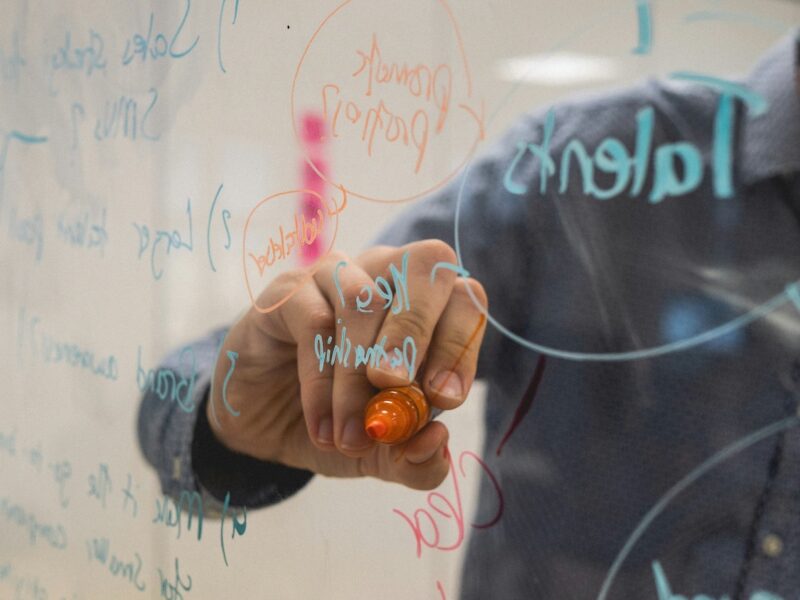
3. Use Whiteboards to Co-Create
Replace the screens with a whiteboard (physical or digital). When a leader stands at a whiteboard and maps out the team’s live contributions, it creates a sense of shared ownership. Visualising the conversation in real-time prevents endless circling and keeps the team focused on actionable outcomes.
4. Implement the ‘No Hiding’ Rule
PowerPoint allows participants to hide in the dark. Without it, you need techniques to ensure everyone speaks. Go around the table and ask for a quick, one-minute perspective from every single person before a major decision is made. This prevents the loudest voices in the room from dominating the decision-making process.
5. Document Decisions, Not Minutes
Ditch the comprehensive meeting minutes. At the end of the session, use the final five minutes to verbally confirm exactly what was decided, who is responsible for the next steps, and what the strict deadlines are. Write these final outcomes where everyone can see them, ensuring absolute clarity before anyone leaves the room.
Maximise Engagement with Science-Backed Techniques
To get the highest return on your meeting time, the conversation needs to be focused and purposeful. Multi-day seminars often lead to meeting fatigue, which is why our approach is different. By utilising bite-sized, PowerPoint-free management courses grounded in behavioural science, we ensure your managers can apply their new skills the very same day.
Ready to see the returns for yourself? Explore Our Bitesize Training Courses.